

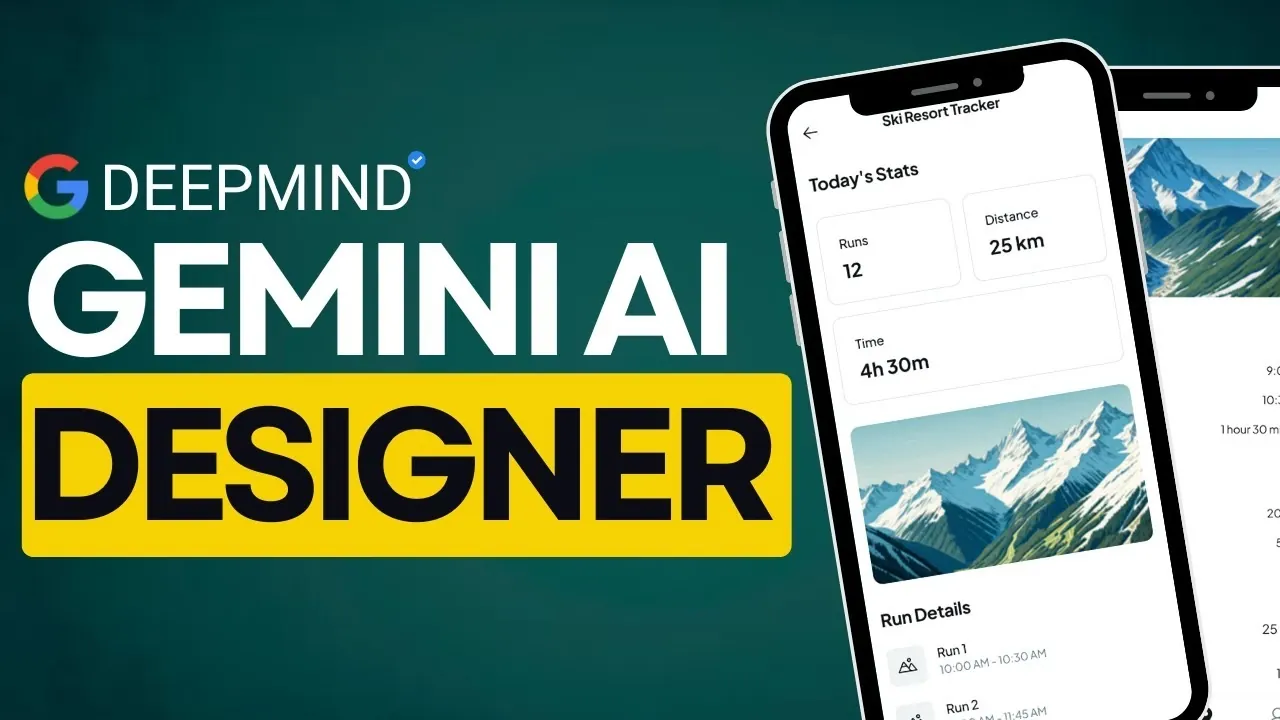
What if you could design a fully functional app interface in the time it takes to brew your morning coffee? Bold claim? Not anymore. Enter Google Stitch, a innovative AI tool that’s turning the world of UI design on its head. Imagine describing your dream app—“a sleek e-commerce homepage with a search bar and featured products”—and having a professional-grade design materialize instantly. No wireframes, no endless tweaking, no steep learning curves. This isn’t just a time-saver; it’s a fantastic option for anyone who’s ever struggled to bridge the gap between creative vision and technical execution. And here’s the kicker: it’s completely free.
In this deep dive, Universe of AI explore how Google Stitch is poised to redefine the way we think about UI design. From its new text-to-UI generation to its seamless integration with industry staples like Figma, this tool is more than just a novelty, it’s a productivity powerhouse. You’ll discover how Stitch eliminates repetitive tasks, enables rapid iteration, and even uses natural language commands to fine-tune your designs with ease. Whether you’re a seasoned designer or a curious beginner, this tool promises to make your workflow faster, smarter, and more creative. Could this be the future of design? Let’s unpack its potential.
Google Stitch: AI-Powered UI Design
TL;DR Key Takeaways :
- Google Stitch uses AI to simplify UI design, allowing users to create professional-grade designs instantly using text descriptions or sketches.
- The tool features text-to-UI generation, transforming plain language inputs into fully realized layouts, significantly reducing the time from concept to prototype.
- Natural language commands allow for precise editing, making the tool accessible to both beginners and professionals while streamlining iterative design processes.
- Seamless integration with platforms like Figma and direct code export capabilities bridge the gap between design and development, enhancing collaboration and efficiency.
- Future updates with Gemini 3.0 AI will enhance Stitch’s ability to optimize designs for accessibility, user engagement, and brand consistency, further empowering creativity and innovation.
Transforming Design with Text-to-UI Generation
At the core of Google Stitch is its new text-to-UI generation feature, which transforms your ideas into fully realized designs. By describing your vision in plain language, such as “a modern e-commerce homepage with a search bar, featured products, and a call-to-action button”—you can instantly generate a layout that aligns with your description. This feature eliminates the need for manual wireframing, significantly reducing the time it takes to move from concept to prototype.
By removing traditional bottlenecks in the design process, Stitch enables you to focus on refining your ideas rather than spending hours on initial layouts. This capability is particularly valuable for teams working under tight deadlines or for individuals looking to quickly visualize their concepts.
Natural Language Commands for Precision Editing
Once your design is generated, Google Stitch allows you to refine it with natural language commands. For example, you can instruct the tool to “add a sidebar with navigation links” or “adjust the header font size to 24px.” This intuitive editing process eliminates the steep learning curve associated with traditional design software, making it accessible to both seasoned professionals and beginners.
By allowing precise adjustments through simple commands, Stitch ensures that your designs align with your vision while maintaining ease of use. This feature is particularly beneficial for iterative design processes, where small changes can have a significant impact on the final product.
Google Stitch Free Designer AI
Take a look at other insightful guides from our broad collection that might capture your interest in Google AI.
- How Google AI Studio Simplifies App Development for Everyone
- Google AI Studio: The Future of Simplified App Development
- Google AI Studio Vibe Coding Update Adds Gemini AI Model
- Using Google AI Studio Apps with Real-Time Firebase Data in 2025
- Google Antigravity vs Cursor, Gemini 3 Pro AI Coding Review
- Gemini AI: The Future of Google Maps, Android Auto, and More
- Google AI Studio VIP Coding Update : Features & Examples
- Google Android XR Glasses: Features, Benefits, and Challenges
- Beginner’s Guide to Developing Apps with Google AI Studio in 2025
- New Free Google AI Studio Vibe Coding Tool Lets You Say
Seamless Integration with Design and Development Tools
Google Stitch integrates effortlessly with Figma, one of the most popular design platforms in the industry. This integration allows you to export your designs to Figma for further customization or directly generate HTML and CSS code for development purposes. Whether you’re refining creative concepts or preparing assets for deployment, this dual functionality ensures a smooth transition from design to production.
The ability to export code directly also reduces the communication gap between designers and developers, fostering better collaboration. By streamlining workflows, Stitch helps teams save time and resources, allowing them to focus on delivering high-quality user experiences.
Driving Creativity Through Rapid Iteration
One of the standout features of Google Stitch is its ability to support rapid iteration. The tool can generate multiple design variations in seconds, allowing you to experiment with different layouts, color schemes, and styles without significant time investment. This capability is particularly useful during brainstorming sessions or when presenting options to stakeholders.
By allowing quick adaptations based on feedback, Stitch enhances your ability to refine your vision and deliver designs that meet user needs and business objectives. This iterative approach not only accelerates the design process but also fosters innovation by encouraging exploration of diverse creative possibilities.
Enhanced AI Capabilities with Gemini 3.0
Future updates to Google Stitch will incorporate Gemini 3.0, Google’s advanced AI reasoning model. This integration will further enhance Stitch’s ability to understand complex design intents, such as optimizing user flows, maintaining brand consistency, and improving layout efficiency. For instance, Gemini 3.0 could analyze your design and suggest adjustments to meet accessibility standards or enhance user engagement.
These advancements will position Stitch as a more intelligent design assistant, capable of providing actionable insights and recommendations. By using AI-driven reasoning, you can create designs that are not only visually appealing but also highly functional and user-centric.
Image-Based Inputs and Automated Efficiency
In addition to text-based inputs, Google Stitch supports image-based inputs, allowing you to upload sketches or rough drafts to guide your designs. This feature is particularly useful for translating initial ideas into polished interfaces. Whether you’re working from a hand-drawn sketch or a digital mockup, Stitch can adapt your input into a professional-grade design.
The tool also automates repetitive tasks, such as aligning elements, resizing components, or applying consistent spacing. By handling these time-consuming details, Stitch frees you to focus on higher-level decisions, such as enhancing functionality and improving user experience. This automation ensures that your workflow remains efficient without compromising on quality.
Empowering Creativity and Collaboration
Rather than replacing designers, Google Stitch serves as a creative assistant, automating tedious aspects of UI design while leaving room for human ingenuity. This allows you to dedicate more time to refining user flows, making sure brand consistency, and enhancing overall functionality. Its collaborative features, such as Figma integration and export options, make it an invaluable tool for teams working on complex projects.
By streamlining workflows and fostering collaboration between designers and developers, Stitch enhances productivity and creativity. It enables teams to work more cohesively, making sure that the final product aligns with both design and technical requirements.
The Future of Intuitive UI Design
Google Stitch represents a significant advancement in AI-driven design, offering a glimpse into the future of intuitive and efficient UI creation. By combining text-to-UI generation, natural language editing, and advanced reasoning capabilities, Stitch enables you to bring your ideas to life with speed and precision. As the tool continues to evolve, it is poised to become an indispensable resource for designers and developers alike, redefining how digital design is approached in the modern era.
Media Credit: Universe of AI
Latest Geeky Gadgets Deals
Disclosure: Some of our articles include affiliate links. If you buy something through one of these links, Geeky Gadgets may earn an affiliate commission. Learn about our Disclosure Policy.


 English (US) ·
