


Published Mar 26, 2026, 11:00 AM EDT
Oluwademilade is a tech enthusiast with over five years of writing experience. He joined the MUO team in 2022 and covers various topics, including consumer tech, iOS, Android, artificial intelligence, hardware, software, and cybersecurity. In addition to writing at MUO, his work has appeared on HowtoGeek, Cryptoknowmics, TechNerdiness, and SlashGear.
Oluwademilade attended the University of Ibadan in Nigeria, earning a medical degree from the College of Medicine. Excelling in public service, Oluwademilade was honored with the title of Global Action Ambassador by a student organization affiliated with the United Nations. He received this designation in Kuala Lumpur, Malaysia, in recognition of his efforts to make a positive global impact in 2020
In his free time, Oluwademilade enjoys testing new AI apps and features, troubleshooting tech problems for family and friends, learning new coding languages, and traveling to new places whenever possible.
At some point during a software installation, a small prompt appears asking you to choose between a 32-bit and a 64-bit version. You probably either guess, panic-Google, or pick the bigger number and hope for the best. Frankly, that last instinct is not wrong. But the actual explanation for why this choice exists at all is more interesting, because it is not really about the software being better or worse in either version. Rather, it is about decades-old hardware decisions and the slow, stubborn death of a time in computing that refuses to leave.
Your processor has a very specific appetite
The number refers to how much your processor can "see" at once

A processor does not experience your computer the way you do. It does not see a taskbar, a browser, or a blinking cursor. What it "sees" is memory, vast and neatly organized, like a grid of numbered addresses stretching out in every direction. The "bit" in 32-bit or 64-bit refers to the width of the processor's registers and the size of the pointer it uses to find a specific spot on that grid.
A 32-bit processor works in 32-bit chunks and can point to 2³² memory addresses, which comes out to 4,294,967,296 (over 4 billion). It's definitely a lot, but practically, it caps usable RAM at 4GB. There were workarounds, such as using a Physical Address Extension (PAE) patch to unlock more RAM on 32-bit Windows, that let systems access more memory. However, individual apps were still stuck within that 4GB boundary. Back in 2001, that felt like an unimaginable ceiling. However, in 2026, it barely keeps a browser comfortable for long.
A 64-bit processor widens that lens dramatically. The theoretical limit sits somewhere north of 18 exabytes, a number so large it borders on meaningless in practical terms. To keep hardware efficient, modern 64-bit CPUs actually use a 48-bit or 52-bit physical addressing scheme. Even this "limited" realistic ceiling, often reaching 4PB (petabytes) in high-end servers or 128GB to 6TB in consumer hardware, makes it unlikely you'll bump into it outside a massive data center.
The practical differences show up beyond just RAM. A 64-bit processor can move more data in each clock cycle and handle larger numbers without breaking them into smaller pieces first. That matters for activities like encryption, video rendering, or anything that leans on heavy computation. It also opens the door to security features like Address Space Layout Randomization (ASLR). Because memory space is so vast, the operating system can scatter programs across unpredictable locations, making it far harder for malicious code to guess where anything lives. A 32-bit system, by comparison, working with a tighter toolkit in a much more crowded space. It still works, but it was built for a different era and a much smaller room.
Meet WOW64
Wowwwww
When Windows made the leap to 64-bit, it ran straight into a compatibility wall. There were millions of 32-bit apps out in the wild, and no one was about to ditch them overnight just because the OS had matured. So Microsoft came up with a workaround called WOW64, short for Windows 32-bit on Windows 64-bit.
Despite how it sounds, it's not some bulky emulator dragging things down. If you look at how emulators work and their performance impact, you'll find that WOW64 is remarkably efficient because it doesn't simulate an entire new piece of hardware. Modern 64-bit CPUs can still run 32-bit instructions natively, so WOW64 acts more like a translator than a middleman. It intercepts 32-bit system calls and converts them into something the 64-bit OS can understand. The whole process is lean, and the performance hit is negligible, usually hovering around 2%. In everyday use, you won't notice it.
You've probably seen the fingerprints of WOW64 in your file system. That folder, called Program Files (x86) on your C: drive, is where WOW64 isolates 32-bit software to prevent it from accidentally loading 64-bit components, which would cause an immediate crash. Most famously, there is the SysWOW64 folder. In a confusing twist on "historical debt," the Windows System32 directory contains the 64-bit system files (to avoid breaking older apps that have that path hardcoded), while SysWOW64 contains the 32-bit versions.

Related
7 Default Windows Files and Folders You Should Never Touch
Windows contains countless default files and folders, many of which the average user shouldn't touch. Here are folders you should leave alone to avoid damaging your system.
If you're wondering if there is a 32-bit version of Windows 11, the answer is a definitive no. Windows 11 and newer versions have gone fully 64-bit, so you can't install a 32-bit OS anymore. But WOW64 is still very much alive under the hood, which is why those older 32-bit applications continue to run without much fuss.
32-bit isn't dead yet
But it has definitely started writing its will
The main reason you still run into 32-bit downloads today usually comes down to one stubborn corner of software: plugins. More specifically, COM add-ins and ActiveX controls. These don't play nicely across architectures. You can't run add-ins or MDE files compiled in a 32-bit version of Office on a 64-bit version of Office, and vice versa, because the memory architectures are fundamentally incompatible. Some businesses run specialized Excel add-ins or legacy line-of-business tools compiled decades ago that rely on 32-bit Windows API calls and were never updated. For these organizations, installing 32-bit Office, even on a modern 64-bit machine, is the only way to keep those mission-critical tools alive.
Beyond the desktop, 32-bit has a second life entirely. A huge chunk of embedded Linux systems still relies on the efficiency of what ARM processors are built to do. Until fairly recently, 32-bit configurations were actually more common than 64-bit ones. In environments such as industrial machines, routers, and control systems, priorities differ. You don't need massive amounts of memory. You need reliability, low power usage, and hardware that doesn't cost much. In that context, 32-bit still makes sense, even if the slow shift toward newer ARMv8 designs is already underway.
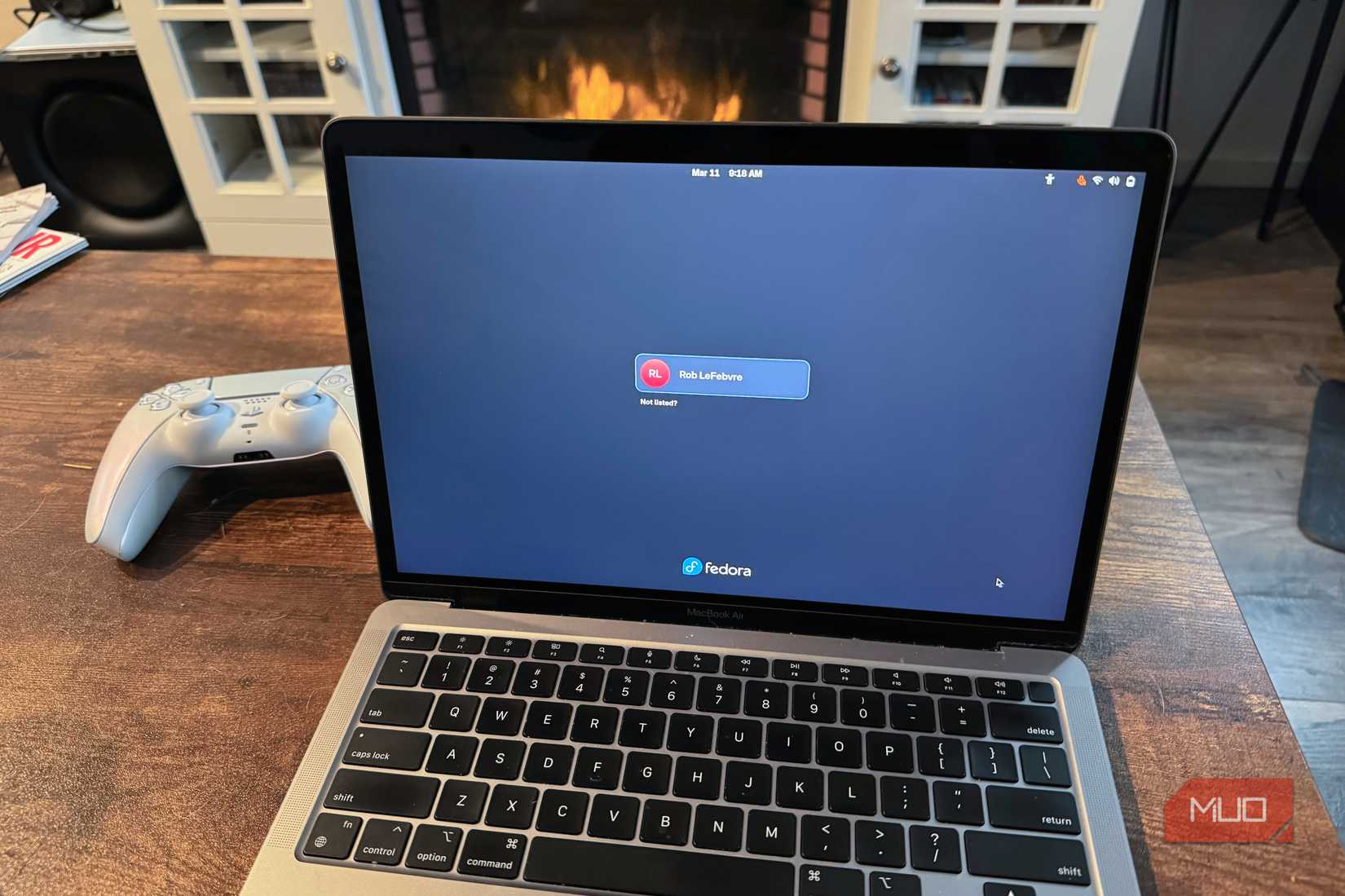
But the walls are closing in. Apple drew the hardest line: macOS Catalina, released in 2019, was the first version of the Mac operating system to drop support for 32-bit apps entirely. If you need to run 32-bit Mac software, you need to stay on an older OS or use a virtual machine. There's no current WOW64 equivalent on macOS because Apple has moved on to a 64-bit-only runtime.
Linux already has its own version of this conversation. At Open Source Summit Europe 2025, the kernel's architecture maintainer, Arnd Bergmann, stated clearly that 32-bit systems are obsolete for new products and that the legacy 32-bit system calls will eventually be phased out. There's also a looming deadline called the Year 2038 problem. It's a Unix-time overflow that will hit 32-bit systems the same way the Y2K bug (one of the worst programming mistakes in history) threatened older software, and no 32-bit desktop system is expected to survive that particular apocalypse.
Click 64-bit; you're welcome
So when software asks you to choose, pick 64-bit. Unless you're running old plugins that specifically require 32-bit, 64-bit is faster, more secure, and future-proof in ways 32-bit isn't anymore. It is really just a question of how old your setup is. And if you have to think very hard about it, you probably already have the answer.





 English (US) ·
