


Published Feb 26, 2026, 6:01 PM EST
Mahnoor is a News Writer at XDA who has been in the professional writing game since her sophomore year of high school. While pursuing a bachelor’s degree in Computer Science, she also has bylines esteemed publications like XDA's sister site, MakeUseOf, SlashGear, Laptop Mag, and Android Police.
Whether she's spending hours debugging code or staying up all night to watch a tech event, Mahnoor’s passion for technology is undeniable. She loves writing about all things tech, with a particular focus on iOS and macOS.
Sign in to your XDA account
When Sam Altman announced the public launch of ChatGPT, coding as we knew it shifted overnight. Suddenly, anyone could generate lines and lines of code with a simple prompt, debug errors, or spin up entire scripts without ever needing to learn how to code.
But for a long stretch after that moment, most developers weren’t really relying on AI for the actual coding part. They were either leaning on AI autocomplete baked into their editors or copying and pasting snippets from chatbot windows back into their projects. While AI was certainly helping, it was still living in a separate tab, and the workflow was manual.
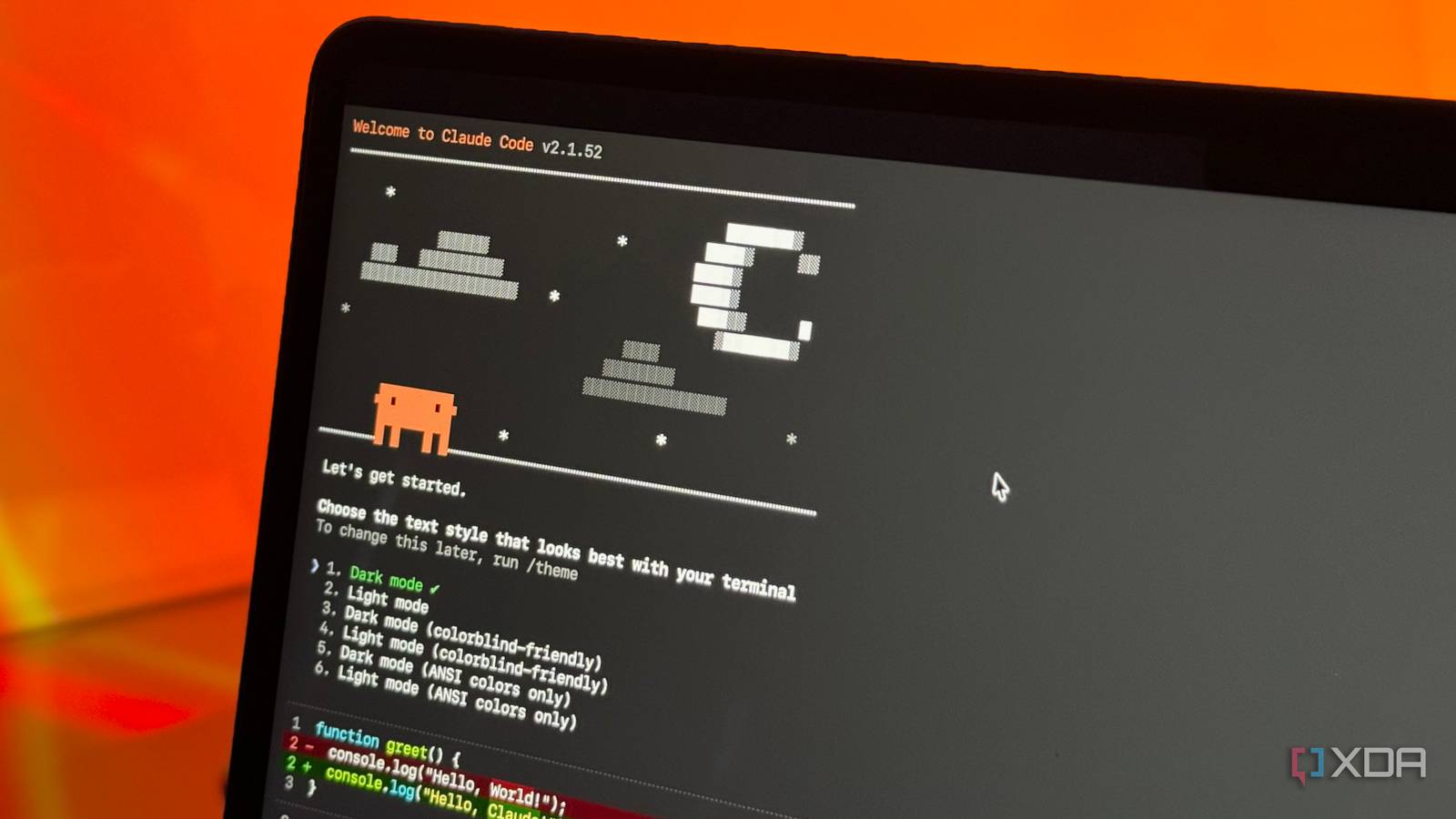
Eventually, the entire AI coding space moved toward something called agentic coding — where instead of asking an AI for help and then manually applying its suggestions, you simply describe what you want, and the AI goes and does it. Claude Code, which brings this agentic approach right to the terminal, seems to be every developer’s favorite tool right now. But after spending time with it myself, I’ve realized something I wish I’d figured out much sooner: Claude Code isn’t just for developers. Not even close.

Related
I finally found a local LLM I actually want to use for coding
Qwen3-Coder-Next is a great model, and it's even better with Claude Code as a harness.
The barrier to building doesn't exist anymore
The only limit is your imagination

Traditionally, if you had an app concept or a tool you wanted to build, you realistically had two options: learn to code or pay someone who could. The first option required a lot of free time on your hands, and even more passion to keep the journey going. And while many would begin their learning journey, they’d typically quit midway because they weren’t seeing results fast enough.
The second option wasn’t exactly simple either. Hiring a developer meant budgets, timelines, back-and-forth revisions, and putting your idea entirely in someone else’s hands. For most people, especially when we’re talking about passion projects, you don’t necessarily plan on monetizing, that was enough to quietly drop the idea altogether.
With an agentic coding tool like Claude Code that can not only whip up code for you but also execute tasks directly in your environment, that barrier starts to look far less intimidating. Instead of needing to learn the fundamentals beforehand, you can learn as you build.

Related
The best example of non-developers using tools like this to bring their ideas to life is Anthropic’s latest Claude Code hackathon, where three out of the five winners weren’t even developers. Instead, a cardiologist, an attorney, and a road systems worker outperformed hundreds of software engineers.
For instance, Mike Brown, who won first place in the hackathon, is a personal injury attorney who built a tool that speeds up California’s building permit process for code compliance and review. The best ideas (and, as a result, the best products) have always come from people solving problems they understand firsthand. That’s exactly what tools like Claude Code unlock. When the friction of building disappears, the people closest to the problem are finally the ones creating the solution.
You don't only need to use it to write code
More than just code

While Claude Code might very well have the word “code” in it, its capabilities go well beyond that. Since it runs directly in your terminal and has access to your local file system, it’s capable of running bash commands. This means you can use Claude Code to work with your real files and actually manipulate them. It can handle tasks like renaming, moving, copying, and deleting files, creating folders and organizing things, reading file contents, editing files, and even running scripts.
For example, say you want to rename 500 files. A technical person might write a quick script to automate the process. But if you’re not comfortable writing shell scripts, that task could easily turn into hours of manual work. With Claude Code, you can simply describe the pattern you want, and it handles the heavy lifting.
While this is essentially what Claude Cowork (a newer tool from Anthropic designed specifically for non-coding tasks on your desktop) now does, Claude Code has been able to do this for a while. And for those who are comfortable in the terminal, it’s still the more powerful option since you get a lot more control.
Beyond file and system management, you can draft reports, edit documents, analyze CSVs, generate charts, parse PDFs, summarize documents, organize notes, manage your Git repos, convert file formats, and so much more.
With MCP, you can plug Claude Code into your entire workflow
Plug in, automate, repeat

One of the best parts about Claude in general is that it connects to your favorite tools through Model Context Protocol. This includes tools like Slack, Notion, Google Drive, GitHub, Obsidian, NotebookLM, and the list goes on. MCP servers are developed by the community, meaning the list of available integrations is always growing.
Now, here’s the thing: setting up an MCP server can be slightly tricky for some. Although all you really need to do is copy and paste a few commands in the terminal, missing a step or misconfiguring a path can lead to errors or prevent the integration from working correctly.
So, while this might sound slightly dystopian, you can simply ask Claude Code to install and configure MCP servers for you. Tell it what tool you want connected, and it takes care of the rest. When it runs into errors, Claude Code is fully capable of reading them, diagnosing the issue, and fixing them on its own.
Once you’ve connected an MCP server to Claude, you can interact with that tool just by asking questions in completely natural language. For instance, with the NotebookLM MCP, I can create new notebooks, populate them with sources, and generate Studio outputs — all within my terminal. Similarly, with the Notion MCP, I can search my workspace, create pages, and update databases without ever leaving the terminal.
Skills are an excellent starting point for non-developers
Teach Claude once, use it forever
Skills is a Claude feature that lets you teach Claude how you want things done, saving you from repeating the same instructions over and over. While you can create your own Skills, the best way to explore what’s possible is by seeing what others have already built.
This way, all you need to do is install the Skills, and you can begin using them right away. Like before, if you don’t want to take the extra step of installing Skills yourself, just ask Claude Code to handle it — tell it which Skill you want, and it’ll download, install, and configure it.
For example, I found a Skill on X designed to create interactive HTML presentations. You describe what you want, pick a visual style, and it generates a full interactive HTML slideshow! Once I had the Skill installed, my terminal turned into a full-blown presentation tool.
And imagine, this is just one example of the countless ways Skills can expand what Claude can do. From automating repetitive tasks to creating entirely new workflows, the possibilities are limited only by your imagination.
It only seems intimidating at first
Given that non-developers don’t typically find themselves tinkering around in the terminal, it’s easy to see why tools like Claude Code can seem intimidating at first. But once you start using it, the learning curve is surprisingly gentle. So, if you’ve been sleeping on Claude Code, take this as your sign: you do not need to be a developer to start building, automating, and creating with it.





 English (US) ·
