


Published May 30, 2026, 11:01 AM EDT
Anurag is an experienced journalist and author who’s been covering tech for the past 5 years, with a focus on Windows, Android, and Apple. He’s written for sites like Android Police, Neowin, Dexerto, and MakeTechEasier. Anurag’s always pumped about tech and loves getting his hands on the latest gadgets. When he's not procrastinating, you’ll probably find him catching the newest movies in theaters or scrolling through Twitter from his bed.
I've always had more phones than I actually needed. That's partly because of the profession I'm in, and most of those phones have spent years sitting in a drawer. I only use one phone daily, but after years of tinkering with home servers and self-hosted services, I started wondering why not use these old phones for the same purpose?
Even if your phone is five years old, it still packs more computing power than many entry-level NAS devices. Take my NAS, for example, the Ugreen DH2300. It's a capable entry-level NAS, but it's powered by a Rockchip processor, comes with 4GB of RAM, and is primarily designed for storage rather than raw performance.
Compare that to a mid-range Android phone from 2020. Chances are it has more RAM, a significantly faster processor, and better overall hardware. Of course, there are limitations. Battery health becomes a concern when a phone is plugged in around the clock, and phones weren't designed to run like traditional NAS systems. But despite those drawbacks, they're surprisingly useful as tiny servers. Over the past few months, I've repurposed a few of my old phones into dedicated servers. One handles media streaming, while another acts as a private VPN endpoint using Tailscale, and they’ve been very reliable.
 Related
It's a lot easier than you think
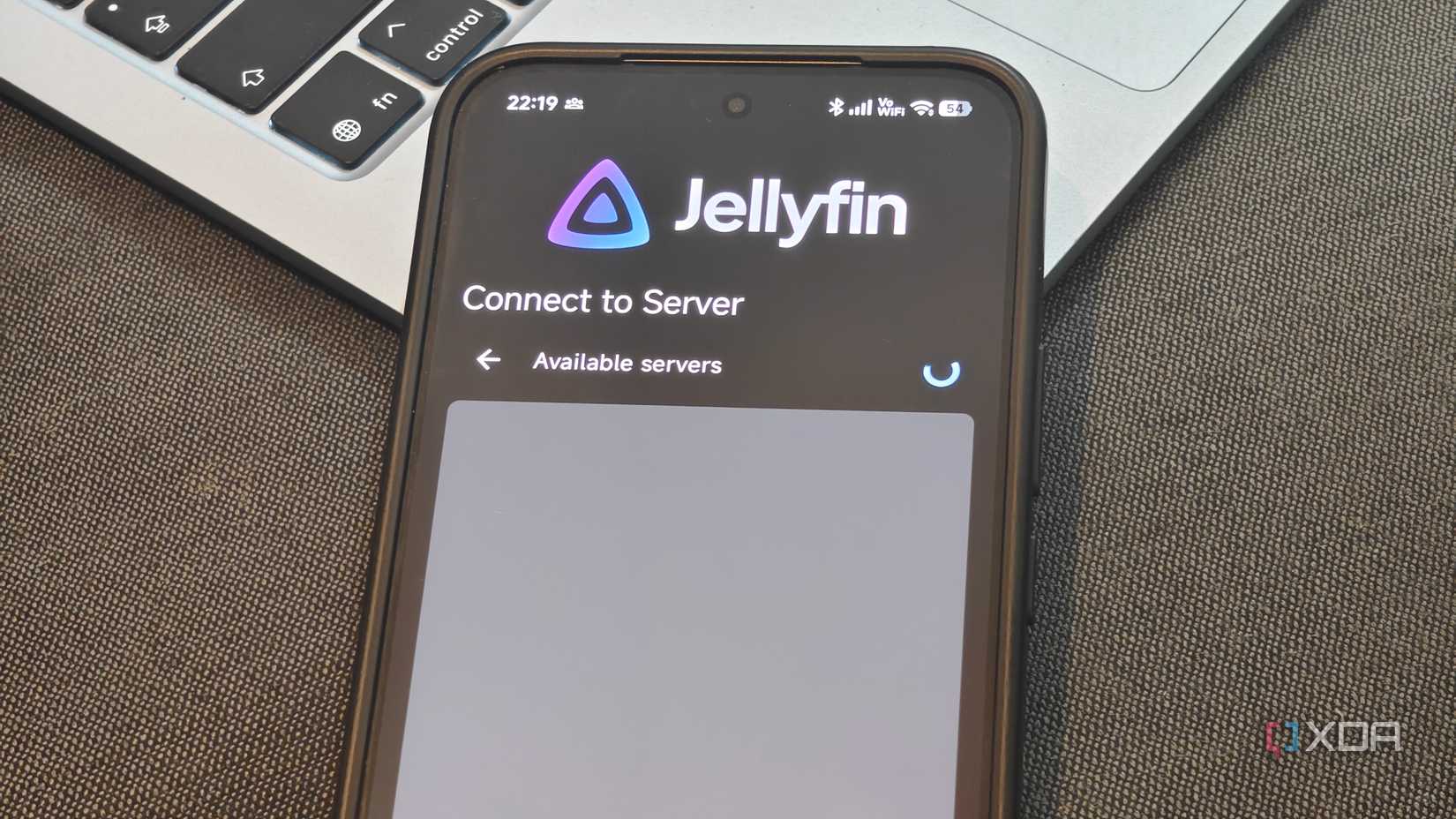
The easiest thing you can utilize an old phone for is a media server because it doesn't take a lot. My starting point was the iQOO 12, which I'll probably not call an old phone because it was announced only three years back, and it's also probably overkill for this project, but in the best way possible. This Android phone has a Snapdragon 8 Gen 3 processor, 16GB of RAM, and 512GB of storage, and the battery is also quite decent at 5000 mAh. The phone has enough headroom to run a lightweight media setup without immediately choking on it.
The first step in turning a phone into a media server is installing Termux. I used it to install the Jellyfin server package available in the Termux package repository and then pointed Jellyfin to the folder on the phone where I keep my media files. The setup process is fairly straightforward. You need to install the server, launch it, complete the initial setup wizard, and add your media library. Once that's done, the phone acts as the server, while other devices simply connect to it as clients.
Once the library was in place, I kept everything local. Jellyfin runs over a standard web interface, so all I had to do was find the phone's local IP address and open it from another device on the same Wi-Fi network.
Your old phone can double into a dedicated Tailscale node
And it works perfectly fine
The second old phone ended up becoming something even more useful than the media server. I wanted a way to securely access my home network when I was away, but I did not want to deal with port forwarding, dynamic DNS services, or exposing self-hosted apps directly to the internet. So I turned one of my spare phones into a dedicated Tailscale node.
I installed Tailscale on the phone, signed in with my account, approved the device on my tailnet, and then enabled Android's Always-on VPN setting, so the connection would automatically come back after reboots. Once the phone was permanently connected to Wi-Fi and power, it essentially became a fixed point inside my home network. Tailscale assigns every connected device its own private address and lets them communicate over an encrypted mesh network, so the phone immediately became reachable from my laptop, tablet, and other devices wherever I was.
I took things a step further by configuring the phone as an exit node. Tailscale supports running exit nodes on Android, which allows another device to route its traffic through the phone remotely. After enabling the option inside the Tailscale app and approving it from the Tailscale admin console, I could connect from outside my home and have my traffic appear as though it was coming from my home network.
Don't rely too much on your phone server
Because phones are never supposed to do this

While you can definitely use old phones as tiny servers, they are not a replacement for a NAS. A NAS is purpose built for this job. It has the hardware, software, and reliability features needed to store data safely and run services around the clock.
The biggest advantage of a NAS is that it isn't dependent on a battery. As long as it's connected to power, you don't have to worry about it shutting down unexpectedly. Phones, on the other hand, were never designed to stay plugged in 24/7. Leave one charging continuously for months, and you're likely to run into battery degradation, heat-related issues, and more. While it's fun to experiment with different server setups on an old phone, I don't see it as a permanent solution.
That said, some use cases make more sense than others. I can see a Jellyfin media server working reasonably well on a phone because it doesn't necessarily need to run all day. You can power it up when needed, stream your content, and put it away afterward. But if you want a device that remains online all the time and acts as a reliable gateway into your home network, you're probably better off using a NAS, a mini PC, or another device designed for this kind of operation.
There's also the software side of things. Most self-hosting tools and server applications are built with Linux servers, NAS devices, and desktop operating systems in mind. Android support is often an afterthought. While apps such as Tailscale work surprisingly well on Android, the experience is not always as polished or as capable as it is on a dedicated Linux machine. Tailscale itself notes that Android exit nodes are less optimized than Linux-based ones and rely on user-space routing, which means performance won't match a dedicated server.
 Related




 English (US) ·
