Sanuj is a freelance tech journalist with over six years of experience covering smartphones, wearables, and consumer technology. He currently writes for Android Police, Tom's Guide, Android Central, Android Authority, and Pocket-lint. He has previously contributed to publications like Pocketnow and MakeUseOf.
Since the start of 2025 alone, he has tested over 30 smartphones. He has also attended major global trade shows including MWC (2024, 2025, 2026) and IFA (2024, 2025), along with launch events hosted by Google, Samsung, and other leading Android brands.
When he's not writing about tech, you'll find him sipping a cup of chai, scrolling Twitter, and reading updates about his favorite football club, Chelsea FC.
Feel free to reach out to him via email at sanujb6 [at] gmail [dot] com.
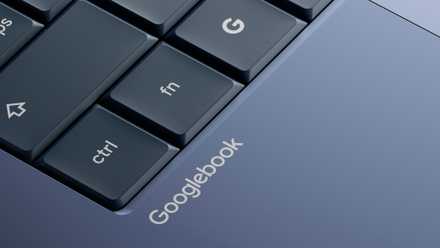
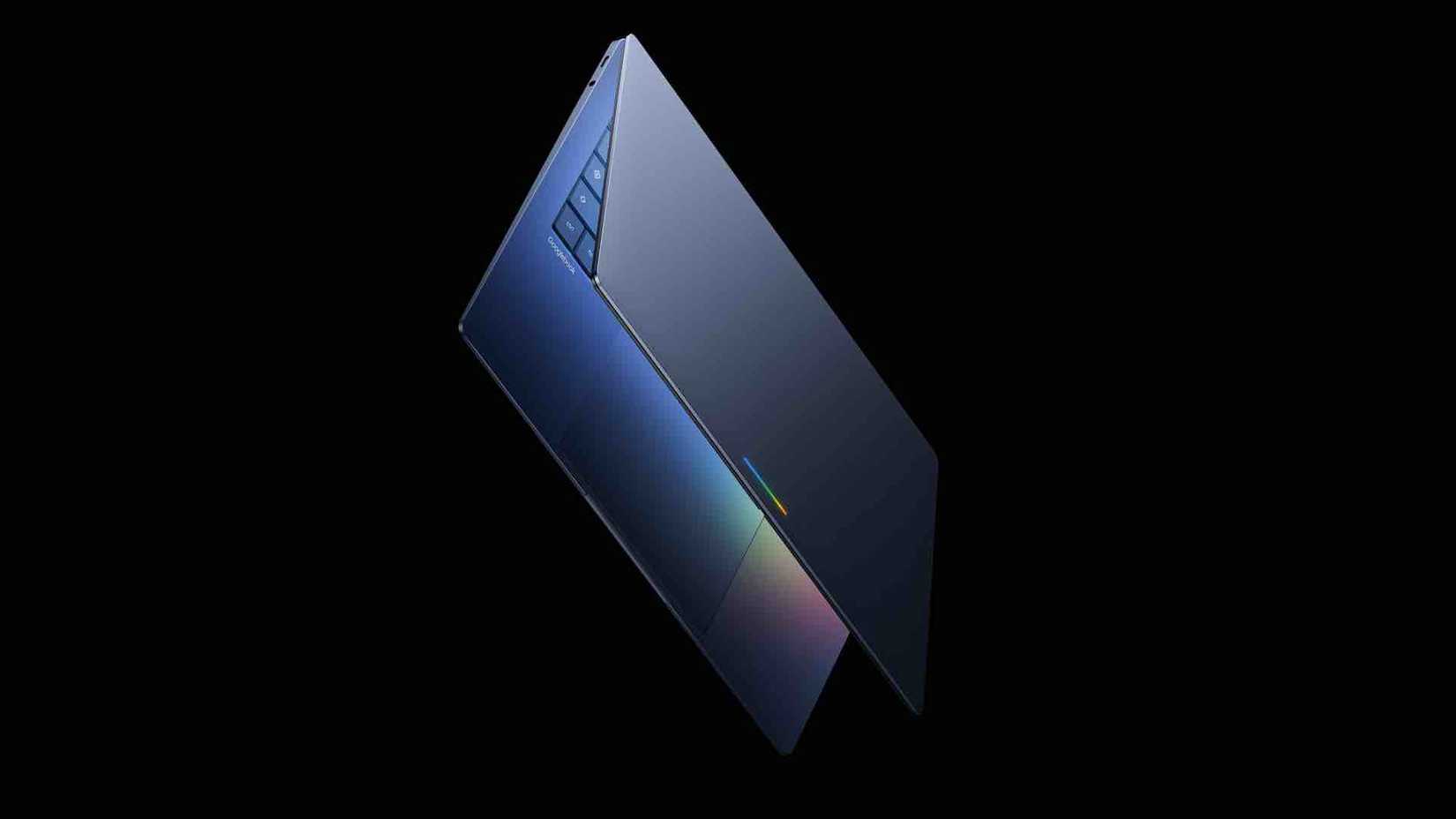
The most exciting part of I/O 2026 for me wasn't the new emojis coming with Android 17 or even the ability to create widgets using Gemini. It was the Googlebook.
At first glance, the Googlebook might look like Android desktop mode projected onto a laptop screen, letting you run Android apps natively and use split-screen multitasking. But it seems like there's much more than that.
From what Google has shown so far, the Googlebook also appears to address one of Android's current desktop mode's biggest limitations by finally bringing proper desktop-style functionality.
And that alone makes me much more hopeful about Google's direction here.
Related
Android desktop mode still misses one basic desktop feature
There is no support for proper desktop-style file access
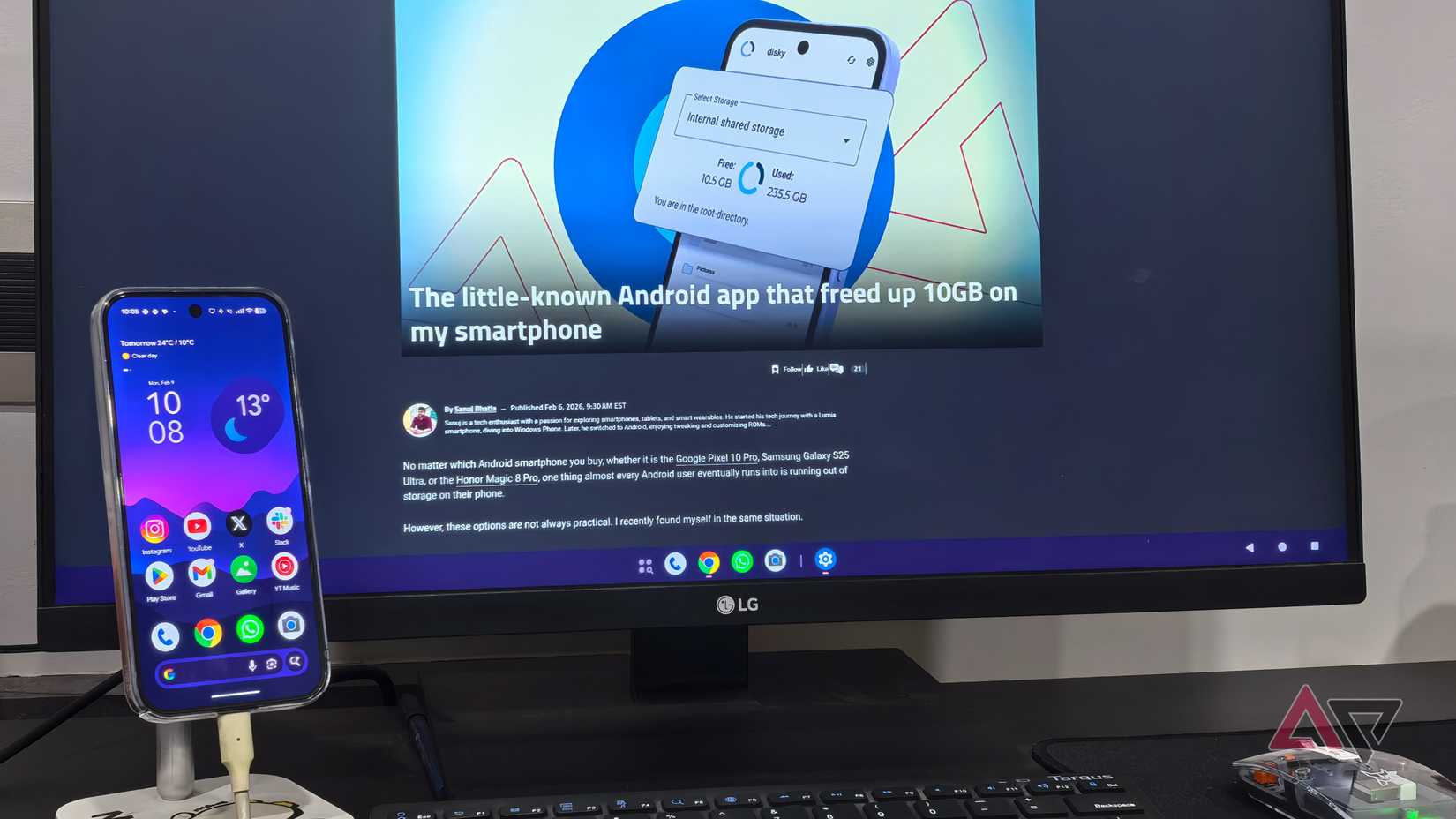
I went hands-on with Android desktop mode earlier this year when Google introduced it with Android 16 QPR3. I was pretty impressed by how far the company has come.
The Android desktop mode makes Android feel closer to a proper desktop operating system than ever before. You can open multiple apps in floating windows, resize them, move them around freely, and even use up to four desktops at once.
Apps like Google Chrome also feel much more desktop-class now, with a proper address bar at the top, support for multiple windows, and an interface that feels much closer to the desktop version than I expected.
However, one major thing still missing from Android desktop mode, and the one thing that stopped me from ever considering it a true desktop replacement, is basic file handling on the desktop itself.
Google still doesn't let users pin files or folders directly onto the home screen of Android desktop mode.
The ability to pin files directly onto the desktop changes everything.
Sure, you can still access all your files through a file manager app, create folders, and manage everything normally.
However, there isn't a proper Windows File Explorer or macOS Finder-style experience built into the desktop. If you want to access a folder, you need to open the file manager app every single time.
And for something trying to position itself as a desktop operating system, I think that's a pretty basic feature to be missing. Maybe Google will eventually add it later, but there is no such option available right now.
Credit: Google
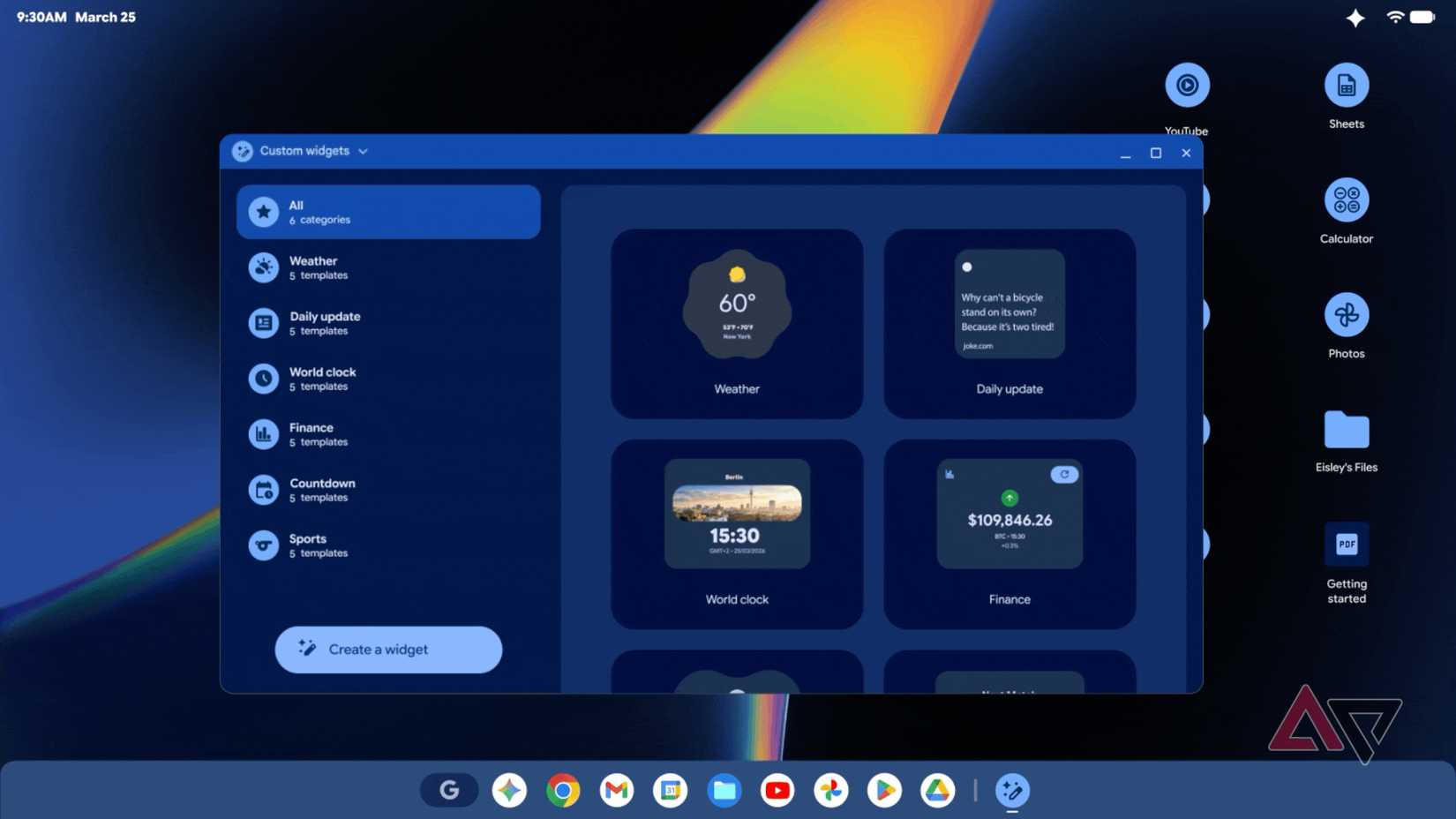
What immediately stood out to me during the Googlebook showcase was that the company actually showed screenshots, or at least renders, with files and folders pinned directly onto the desktop.
And not just that, it also looks like users will be able to pin apps directly to the desktop, with those icons adapting to Material 3 Expressive-style theming, similar to what's on Android phones.
That alone already makes the whole experience feel much closer to a real desktop OS.
I haven't gone hands-on with the Googlebook just yet, but I'm pretty excited to see what Google has planned later this year.
With most of my workflow already revolving around Chrome, Finder, and Google Docs, it feels like the Googlebook could be something I'd seriously consider switching to.
Related
The Googlebook still has an identity problem, but I'm excited anyway
Google's new laptop vision still feels confusing but ambitious
Credit: Google
It feels like the Googlebook is going through a bit of an identity crisis right now. Google hasn't clearly explained exactly who these devices are meant for or where they fit between Chromebooks, Windows laptops, and Macs.
But despite that, I'm still genuinely excited about what the company seems to be building here.
Features like the ability to create custom widgets with Gemini — I might finally be able to build a proper deadline tracker for all my articles — as well as the ability to open Android apps directly from your phone on the laptop, almost like native desktop apps, genuinely sound useful.
Since I constantly live between two ecosystems (Android on my phone and macOS on my desktop), that integration feels particularly interesting.
Those two worlds still don't work together especially well today, and the Googlebook feels like it could finally help bridge some of that gap.
Then there are features like the built-in file access system, where you'll apparently be able to browse files from your Android phone directly on the laptop.


 Credit: Lucas Gouveia / Android Police
 Credit: Google
 Credit: Google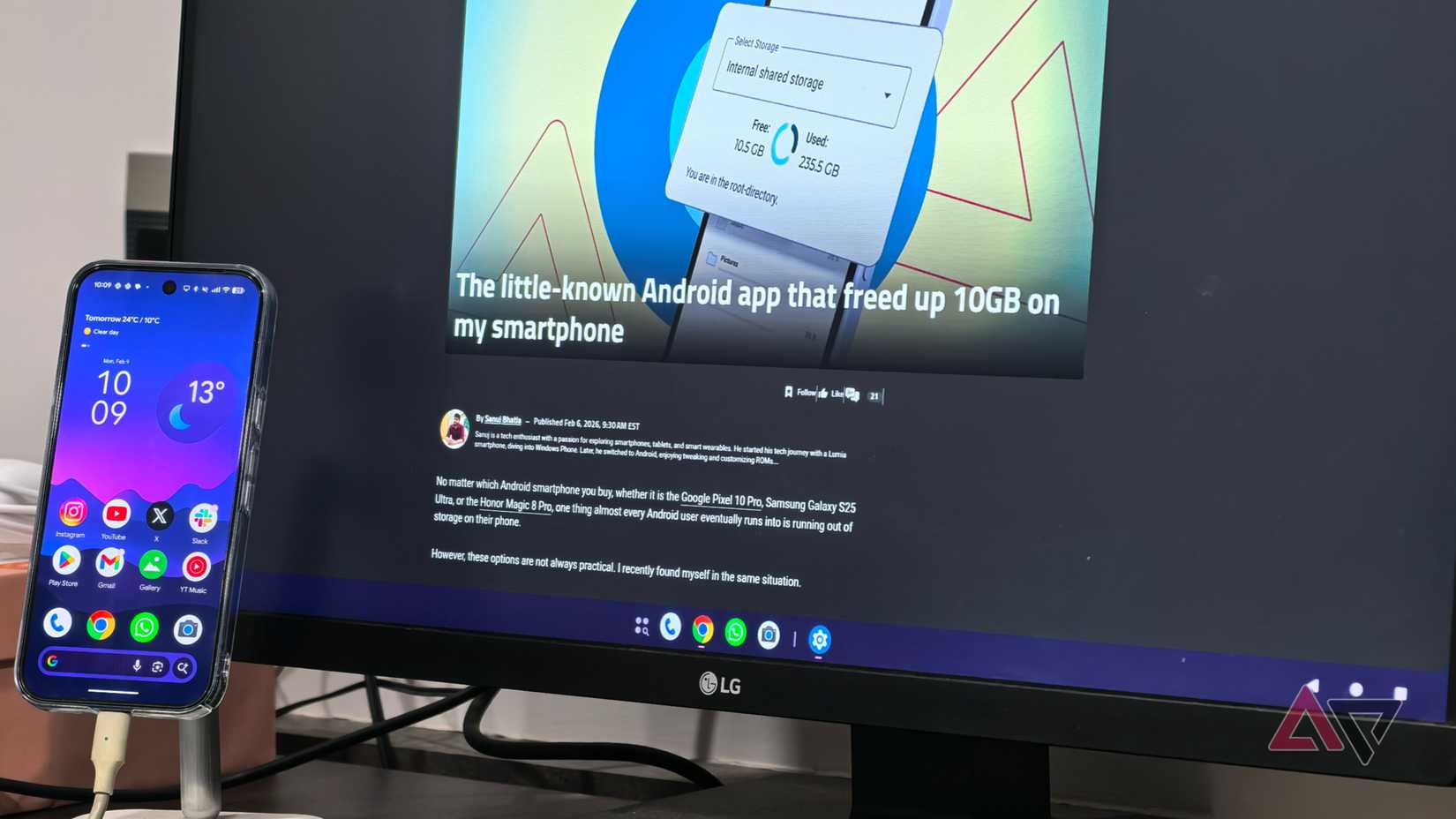




 English (US) ·
